
Pre-Arrival Grocery Delivery
$150.00
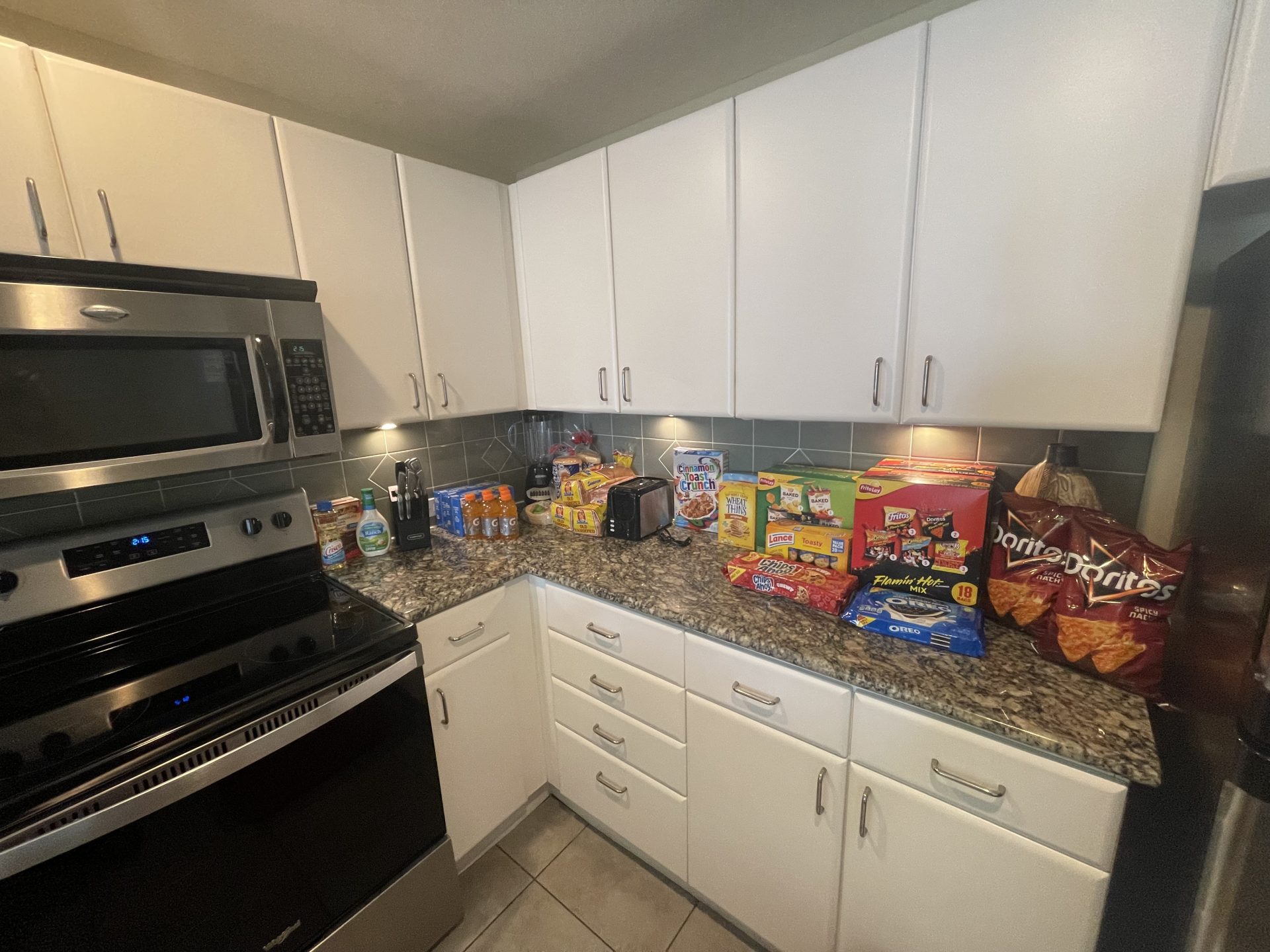
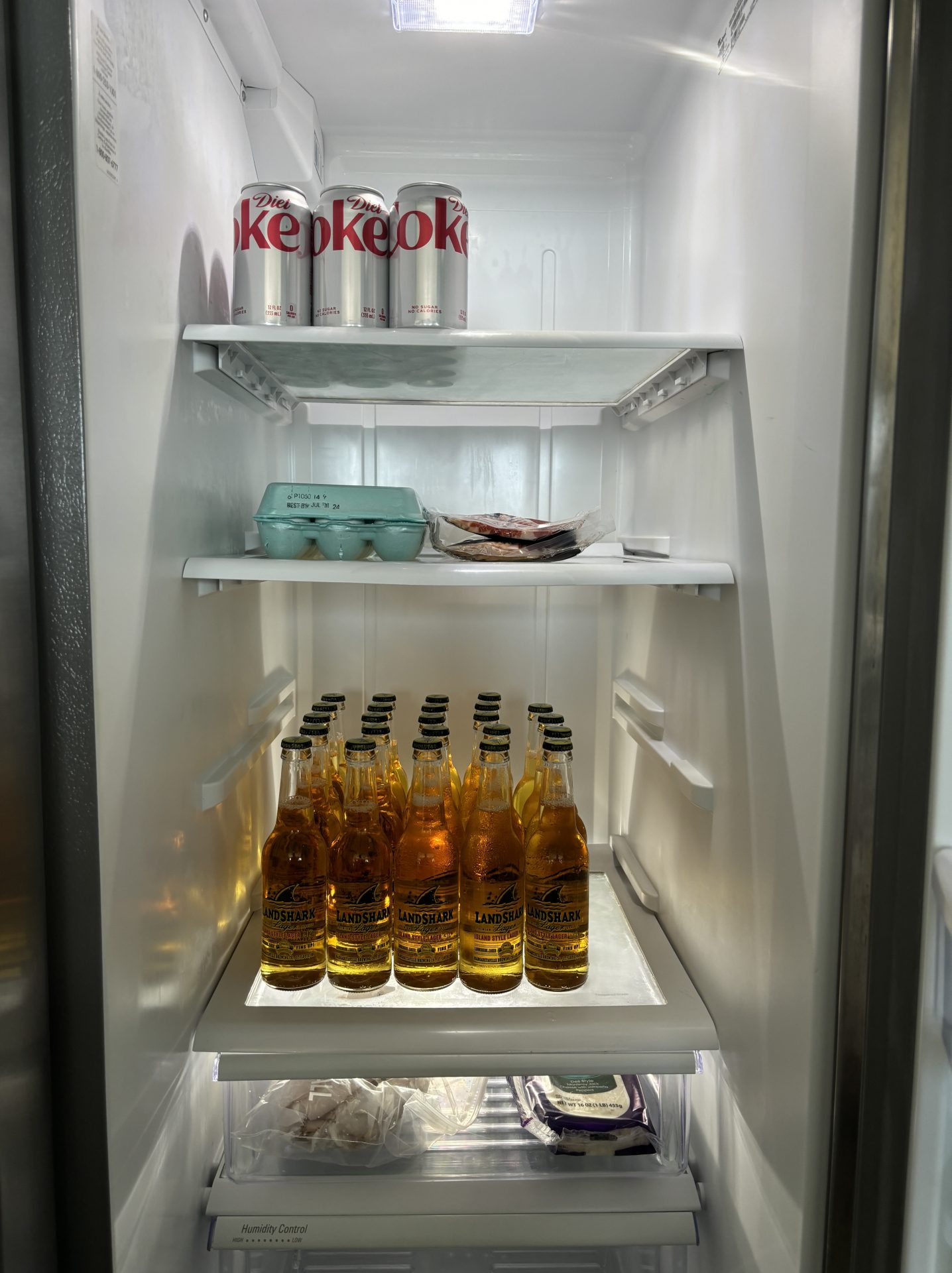
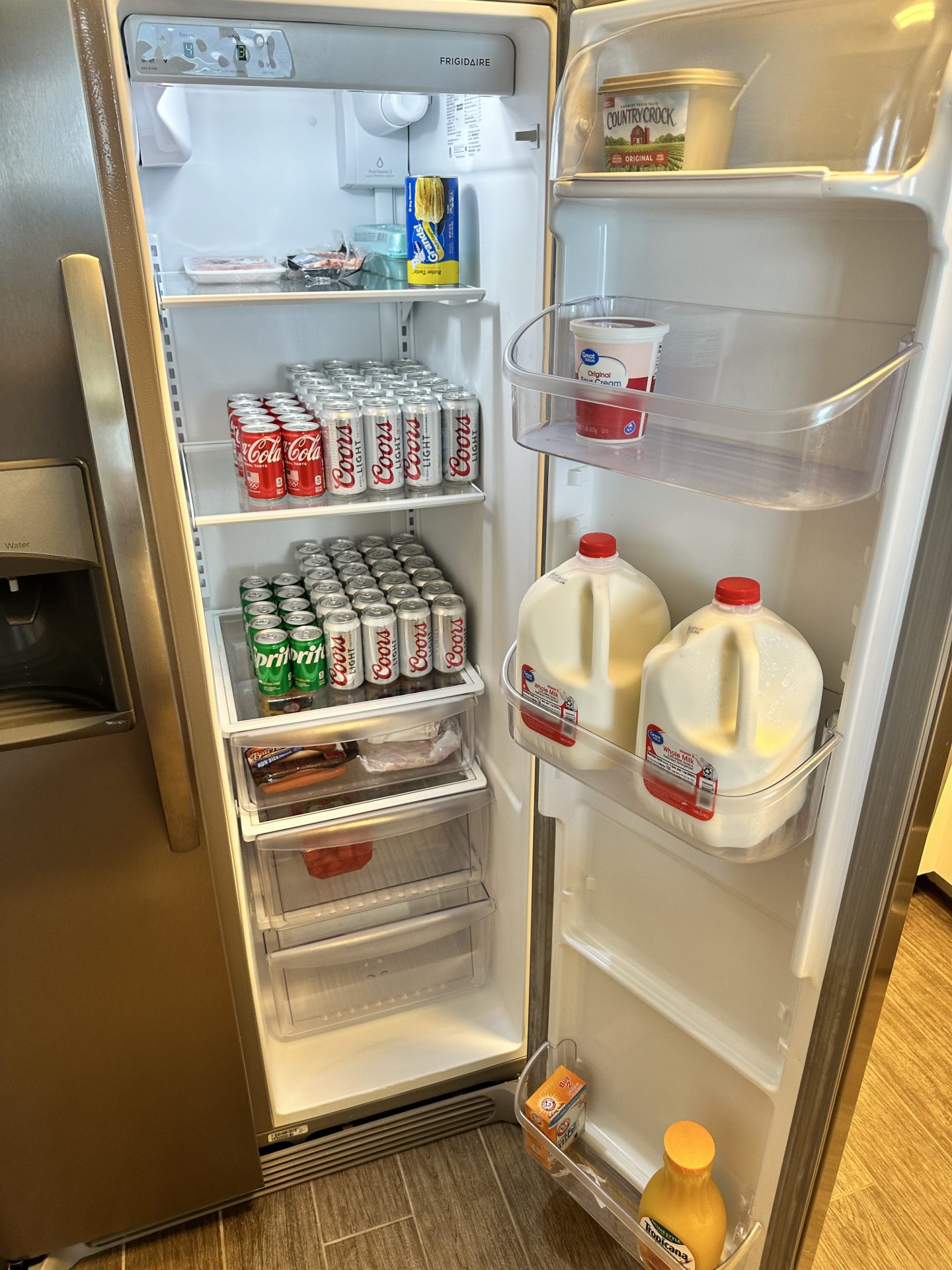
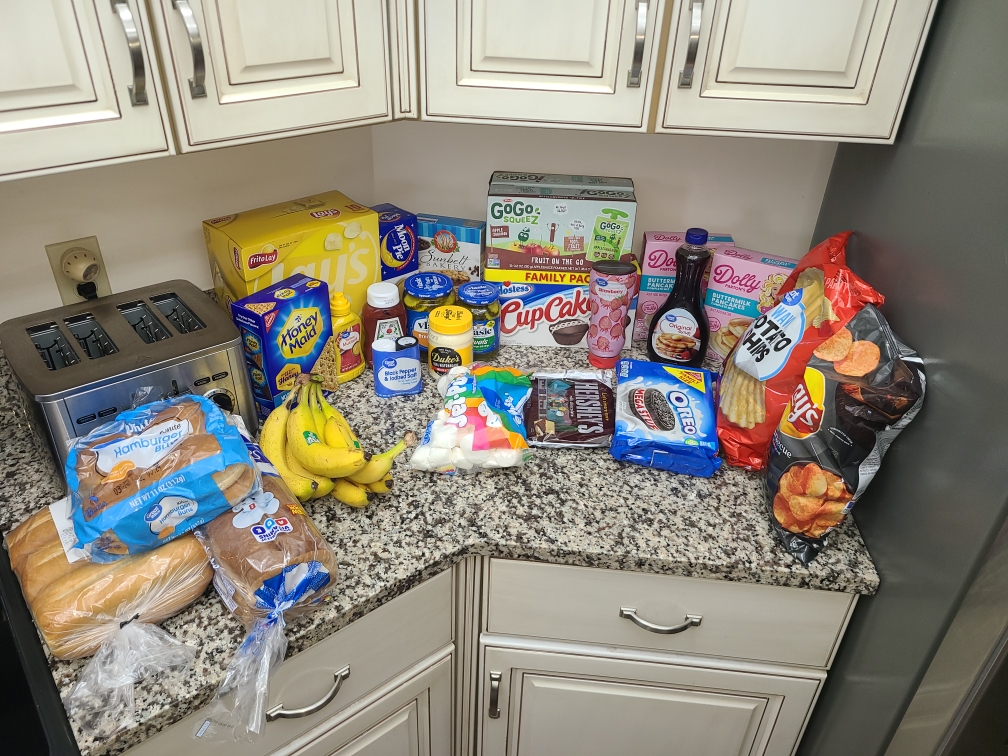
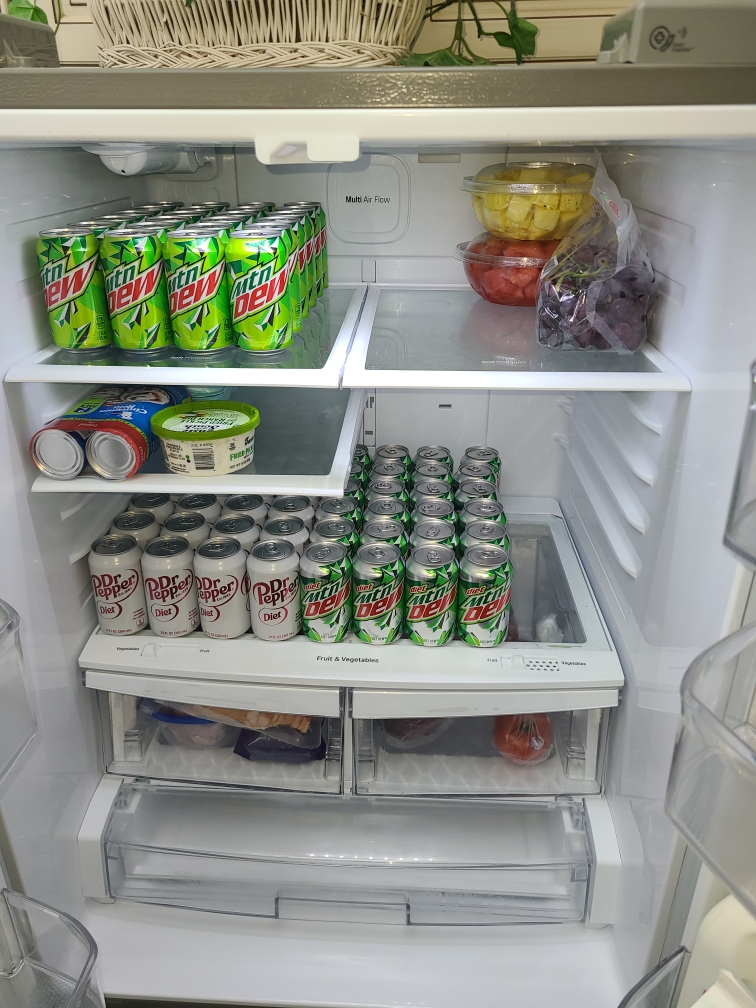
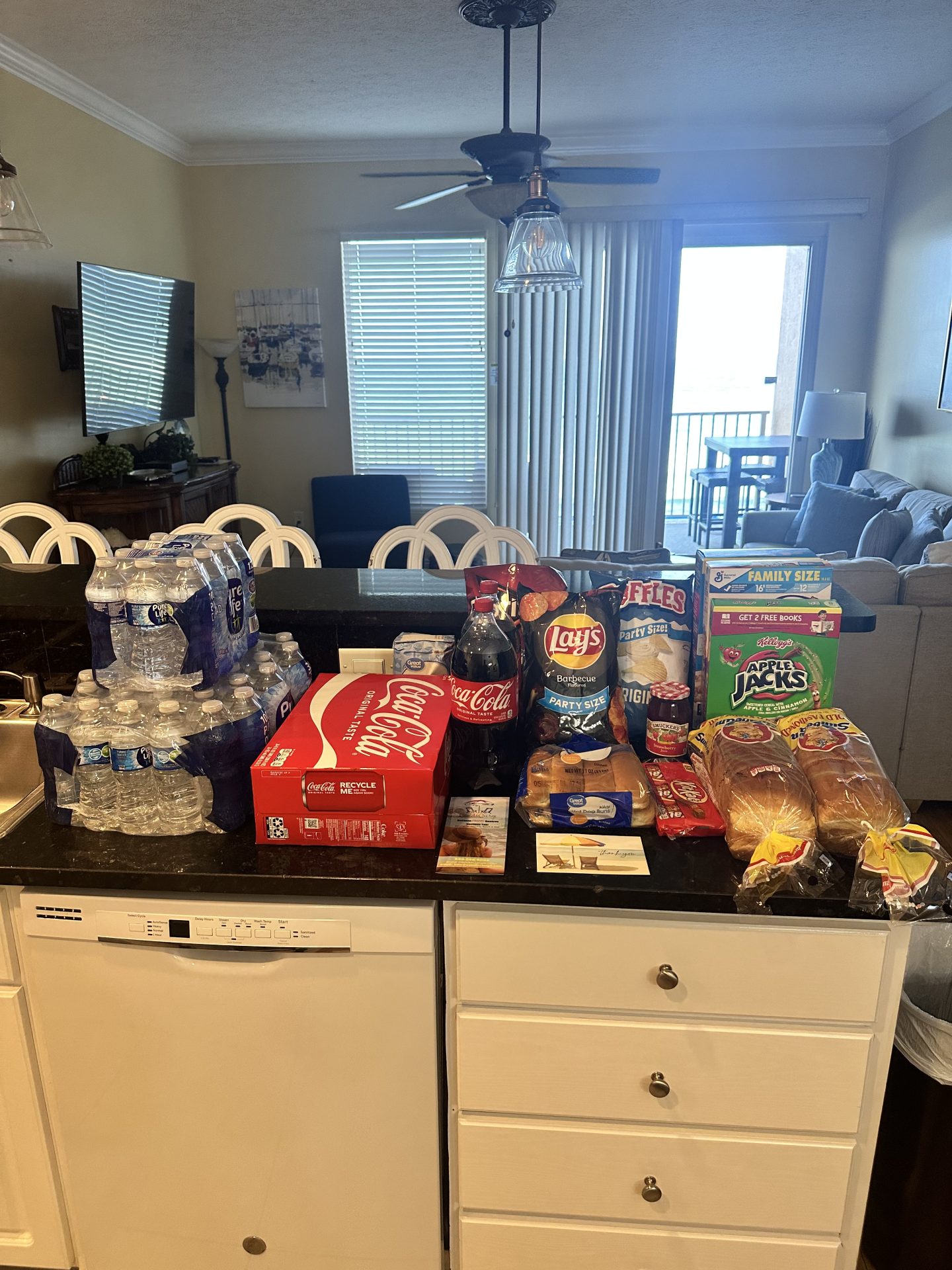
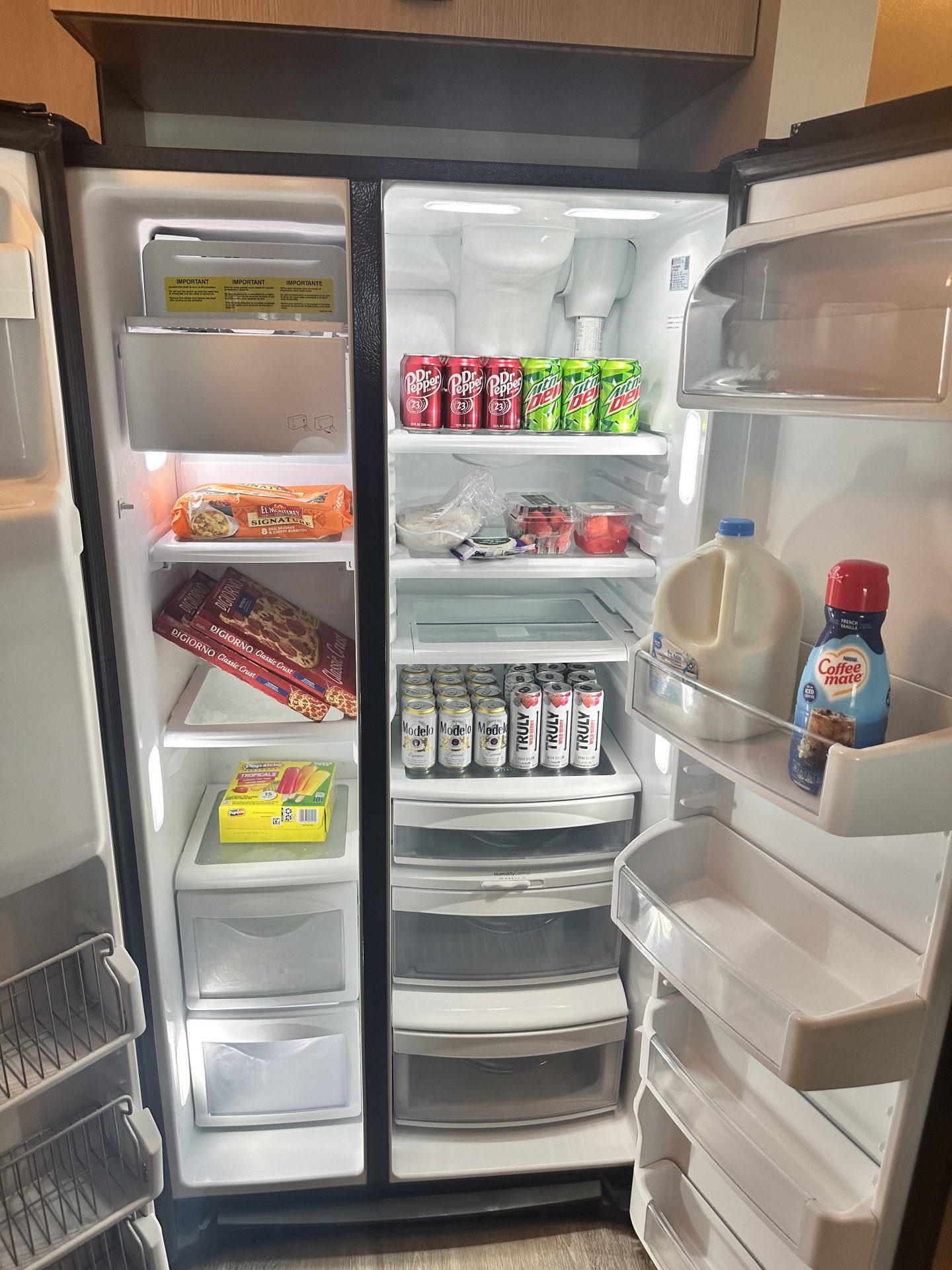
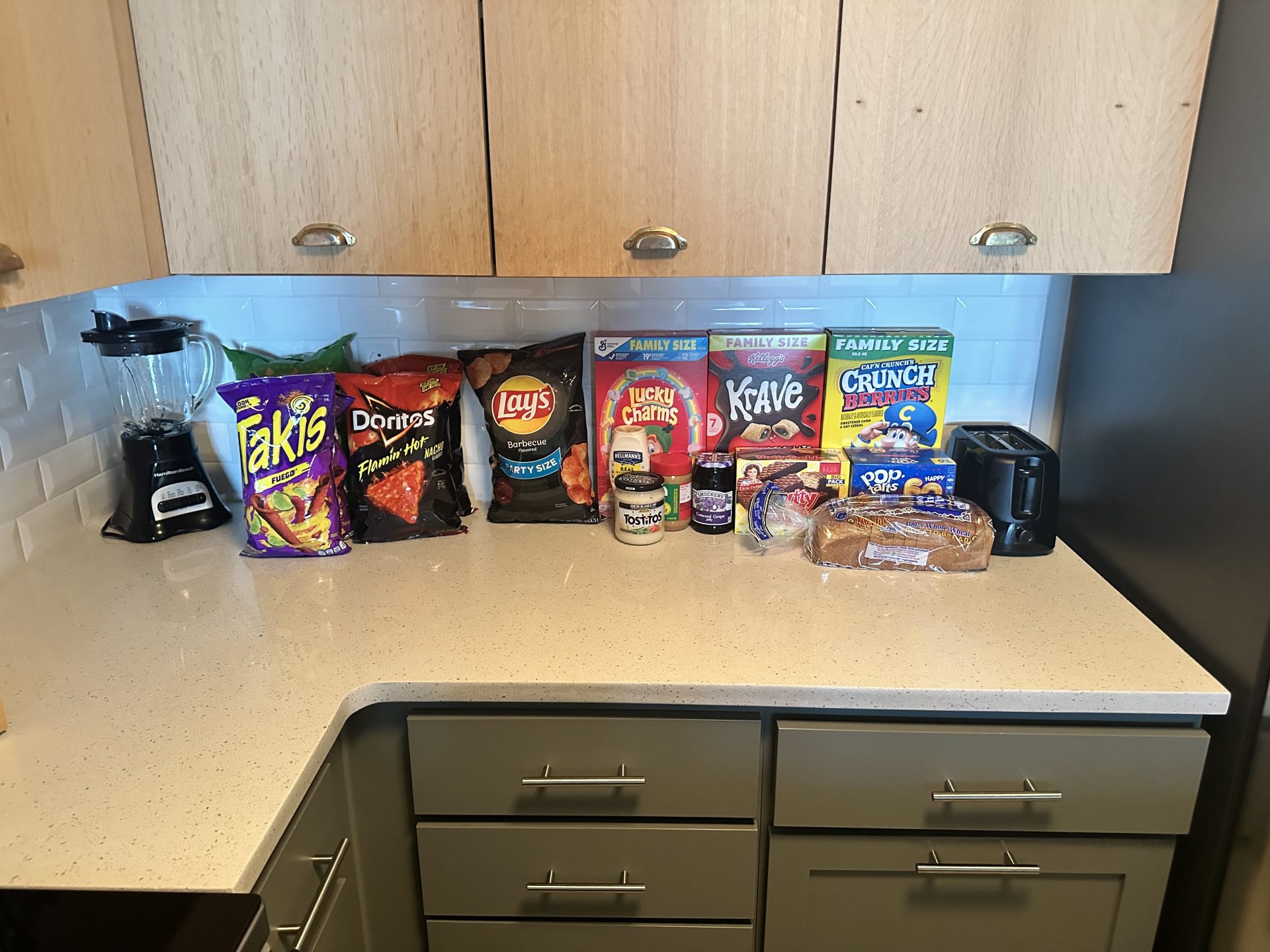
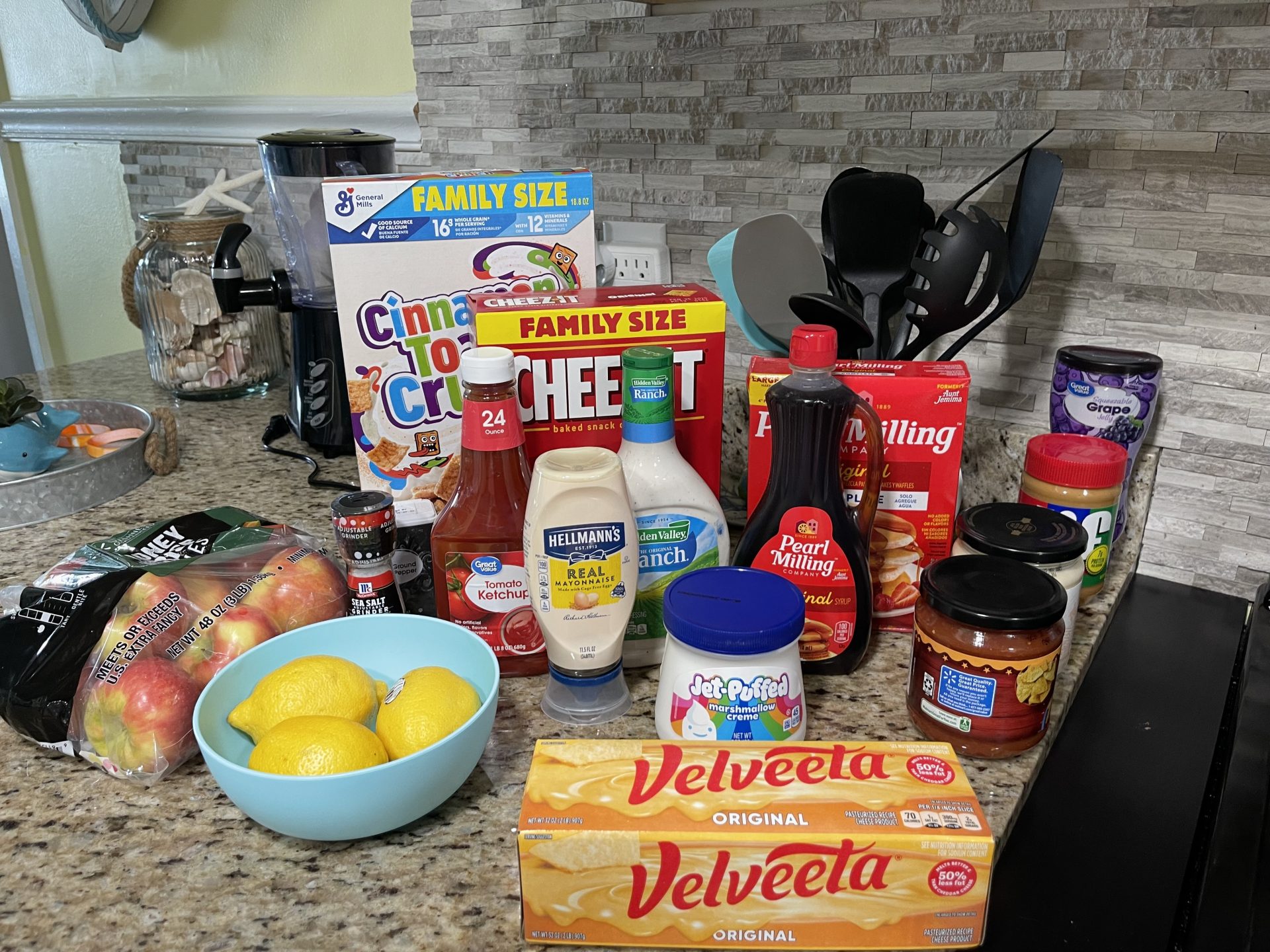
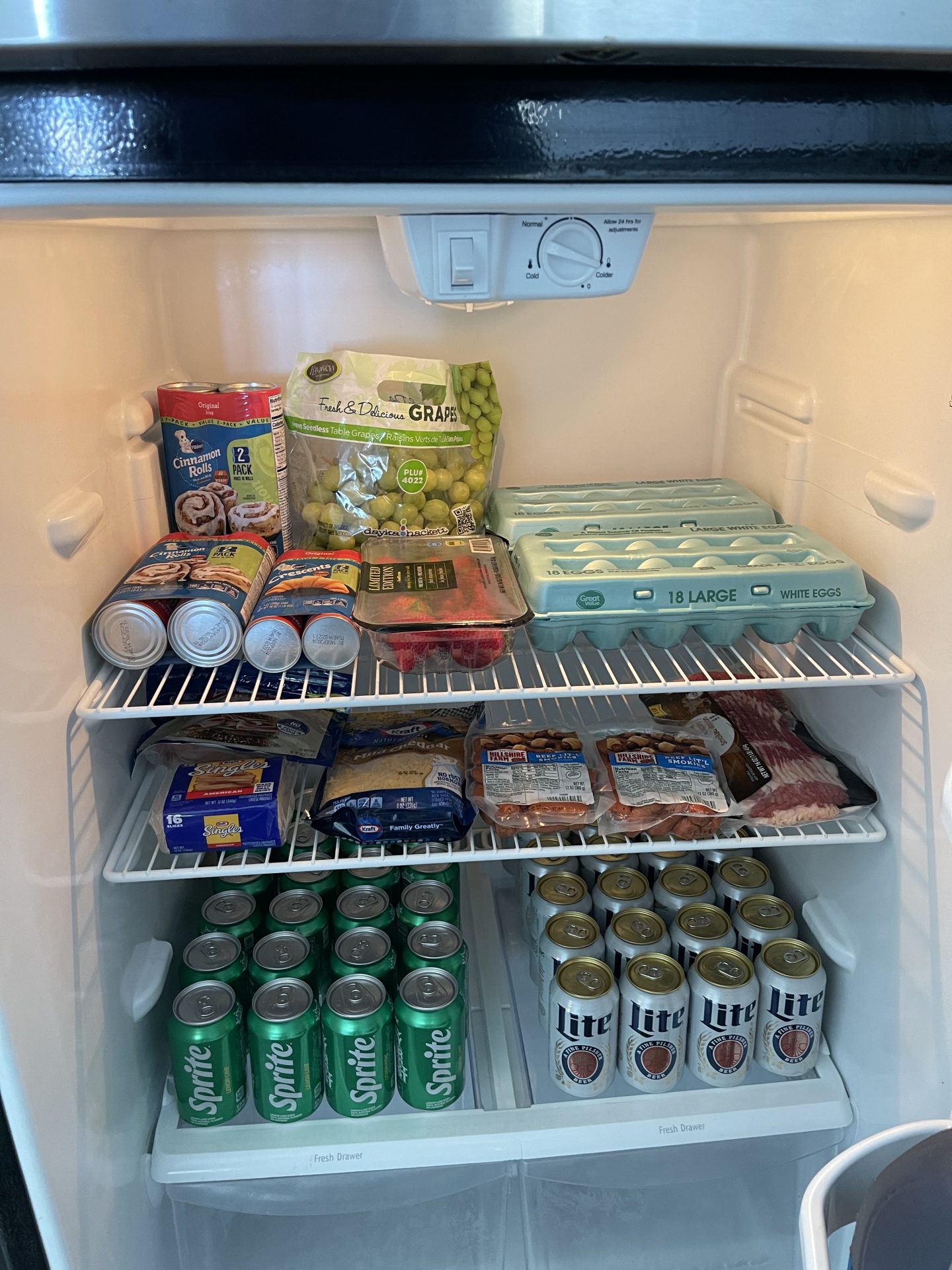
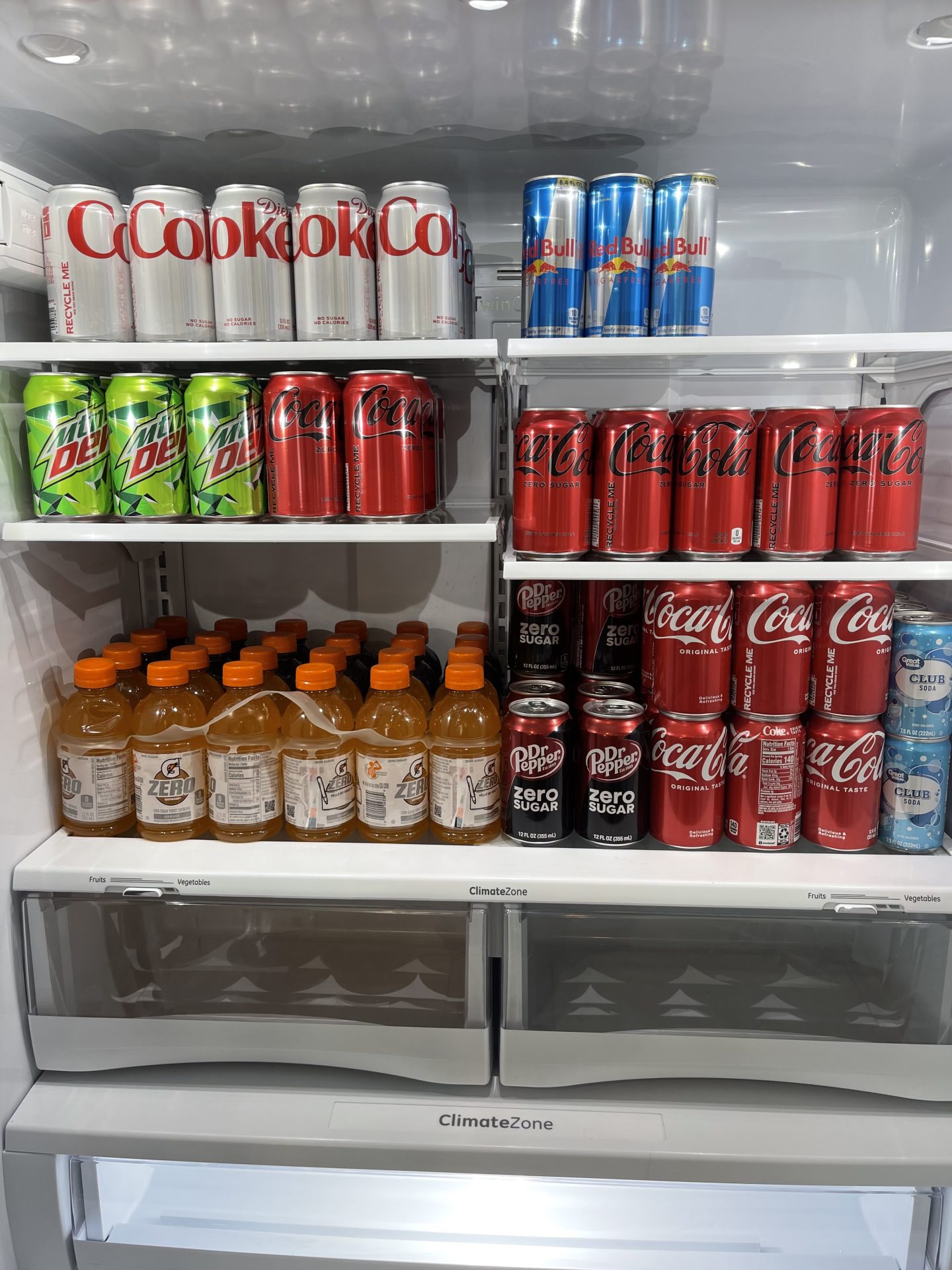
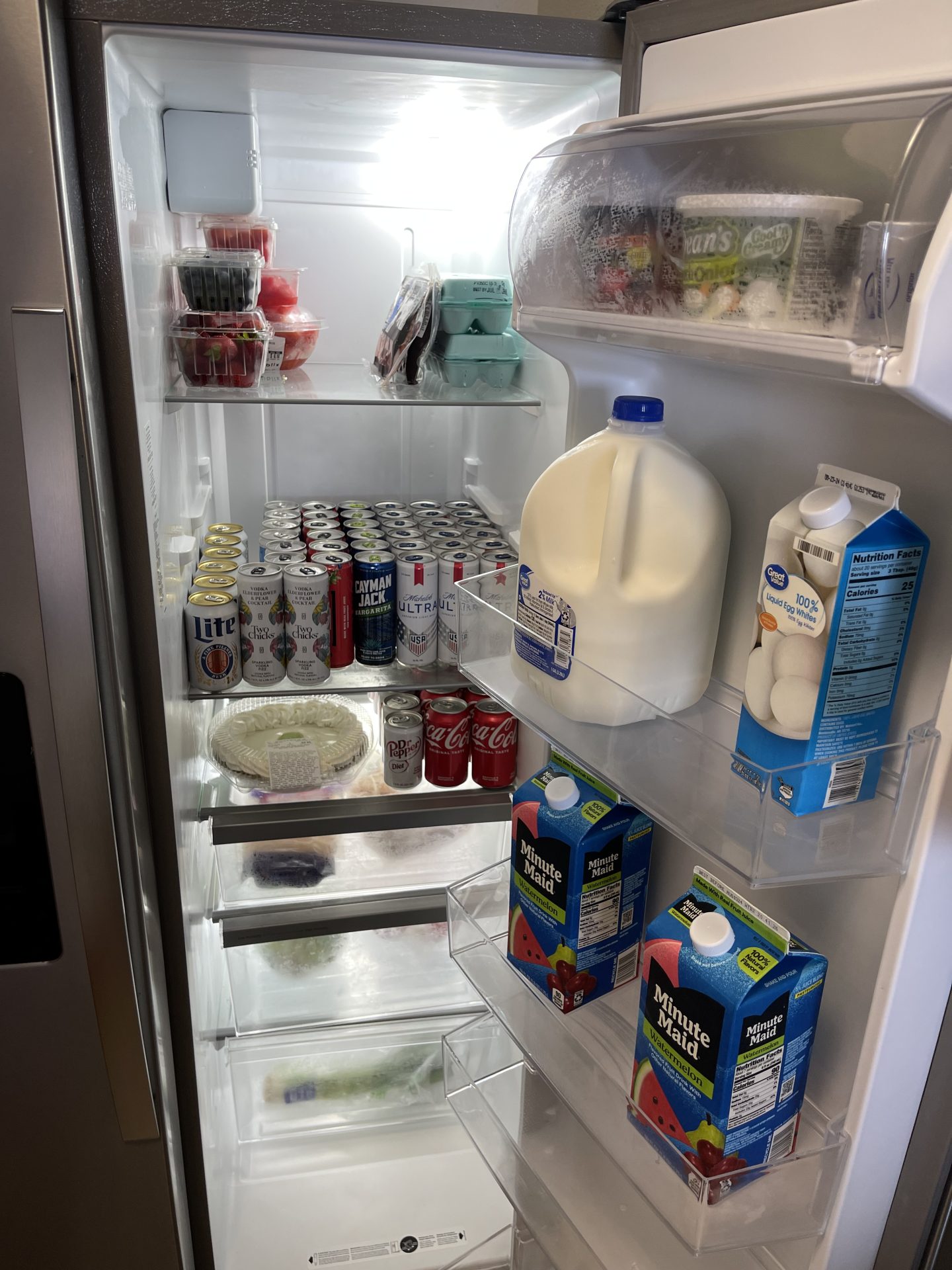
Pre-arrival grocery delivery is the ultimate way to upgrade your vacation in Panama City Beach and 30A! Skip the grocery lines and instead simply check-in to your vacation rental to find all your favorite snacks and drinks. Grocery delivery is by far our most popular service, see for yourself on our Facebook page! Reserve your grocery delivery today!
See below for more information
Some initial essentials to think about to get started
Tide Pods 31 ct.
Mayonnaise 11.5 oz
Butter 8 oz
Party cups 50 ct. 8 oz
Paper Towels 2 rolls
Paper plates 45 ct.
Coffee Creamer 16 oz powder
Sugar 12 oz jar
Mustard 8 oz
Ketchup 20 oz bottle
Toilet Paper 4 double rolls
Dawn Dish Soap 8 oz
Folgers K-Cups 18 ct.
Salt and pepper shakers
Dishwasher pods 20 ct.
Sandwich bags
Please give us as much additional information as possible in the boxes in the grocery delivery list form below to make sure we get exactly what you want for your vacation. If you are booking and do not have your grocery list ready, please check the box will email list to info@condocierge.com below.
Paying your deposit ahead of time locks in your spot on our calendar. We prefer to have your list 10 days prior to arrival but can accommodate orders up to 48 hours before check-in. If it is within 48 hours of your arrival date and you have not booked, please email, or text ahead to make sure there is still availability on the schedule. Any order received within 48 hours before check-in is subject to an additional $49 fee.
The BEST way to send your grocery delivery list
Log into your local Walmart store and search for the items you want. When you find the items click “Add to list” and repeat this until your list is complete. Next under “Reorder My Items” on the top bar, click “Lists”. Click the shopping list you created and click “Settings” then “Share this list”. This allows you to copy a link that you can send to info@condocierge.com.
Watch the quick video below on how to create and share your grocery delivery list through Walmart! Reminder: if you send us your Walmart list, you still need to pay your deposit to secure your spot on our calendar! Be sure to click will email list to info@condocierge.com and add to cart below to continue with the check-out process.
Description of Service
Book our pre-arrival grocery delivery service and start your vacation off right! We will do all of your shopping and stock your rental so you’re ready for the ultimate vacation as soon as you arrive.
You can fill in your grocery list at check-out OR click “will send list to info@condocierge.com” and send the list prior to your arrival. Our team will follow-up with you 10 days prior to your arrival if we do not have a list yet.
Once we have your list, someone on our team will call you about a week before your arrival to go over the grocery list with you.
Our team will work diligently with your property manager to ensure that upon your arrival, your grocery list will be stocked inside your vacation rental! Please note that if your property manager will not allow us to enter until 4 P.M. the delivery may be delayed.
A handling fee of 25% of your grocery bill will be charged at the time of your arrival.
Minimum Order of $100 – If your order is less than $100 you will still be charged $100
*Proof of ID required for alcoholic beverages – Please upload an image showing proof of ID for the purchase of alcohol (the option to upload is located above the grocery list area)
How Payment Works
You will be charged an initial deposit of $150 towards the total of the executed grocery order. Any difference (over or under) the $150 will be charged or credited at the time of your arrival.
A one-time $59 convenience fee will be added at check-out, even if you decide to add more services later, you are only charged for this one time during your stay.
After receiving your grocery list, someone on our team will call you when it’s about 7 days out from your arrival to go over your list. During this call, they will get a credit card from you to keep on file for the final invoice.
Once all groceries have been delivered, our team will charge your card for the final invoice. The final invoice will be the total groceries (minus the $150 initial deposit), and our 25% handling fee. A receipt of the final invoice will be sent to your provided email.
30A Premium Distance Fee of $49
Last-minute orders under 48 hours of check-in are subject to an additional $39 fee
**Our pricing is based on a family of 4-5 with a 250.00 to 300.00 grocery bill. Please be advised that larger order or Multi-family orders are subject to an additional service charge.**
**Holiday orders may be subject to additional surcharge**
**On last minute cancellations you waive the return of the convenience fee and total of any groceries that may have been purchased**
**Please upload an image showing proof of ID for purchase of alcohol (option to upload is located above grocery list area)**